Cognitive Walk-Through
Task: Curator Notifications
Step: Expand Notification
Issues: Conceptual model, Labeling
Severity: 2
Details: Currently the label says “pull down for more options”, but when you pul down you are brought to a screen entitled “More Info”, which we anticipate being very confusing.
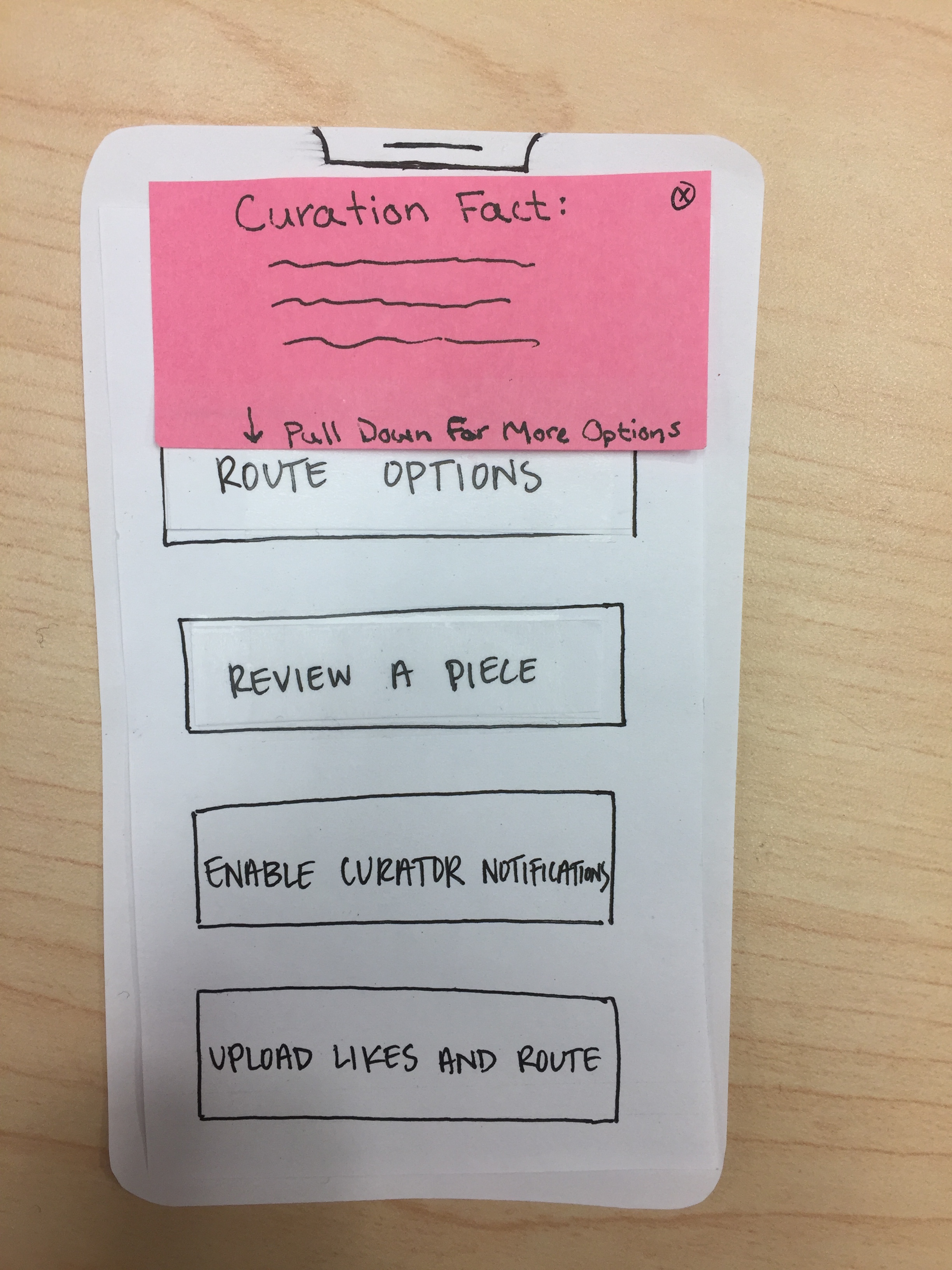
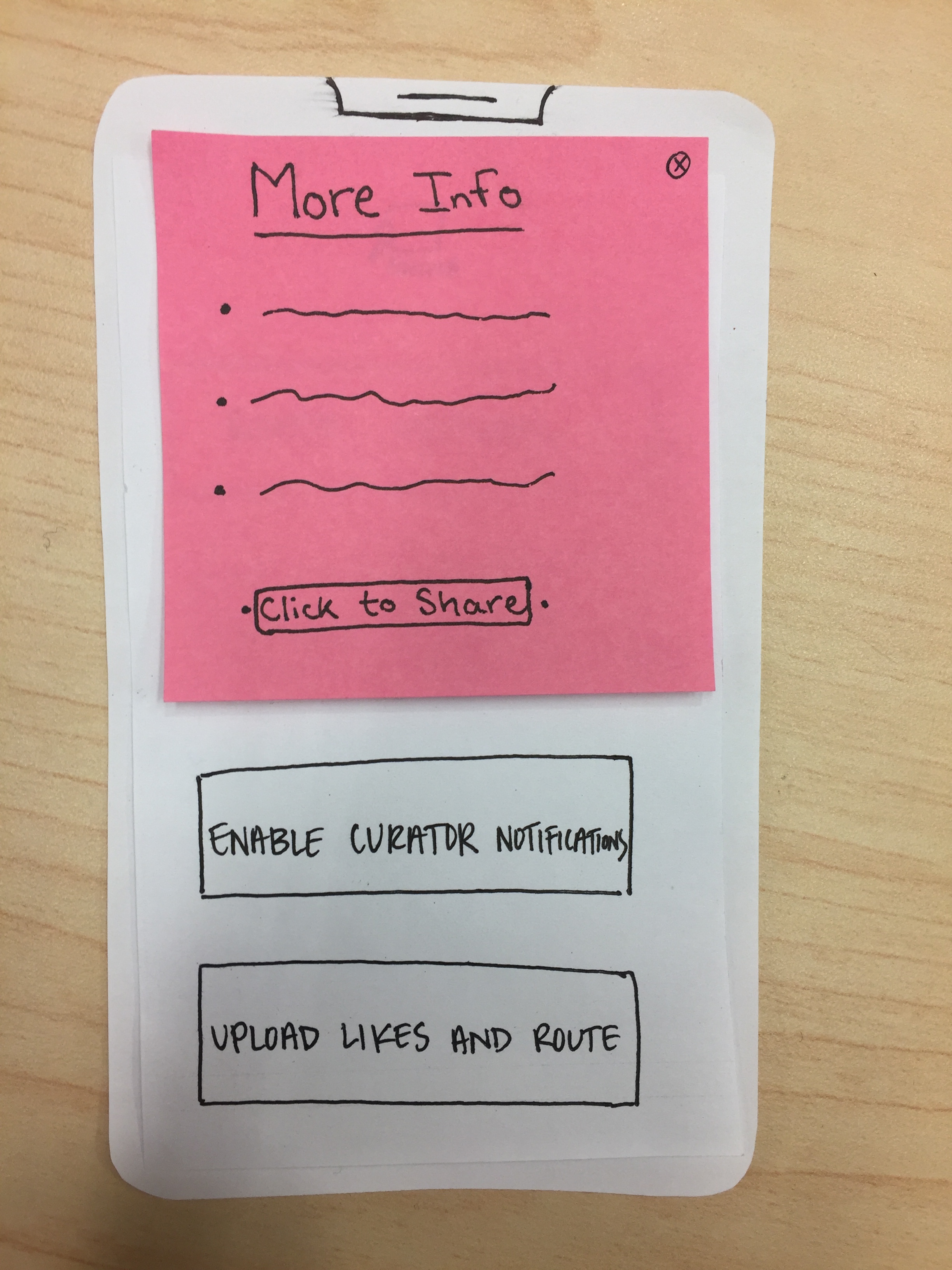
Revisions: The “pull down for more options” tab will be relabeled to say “pull down for more info”.
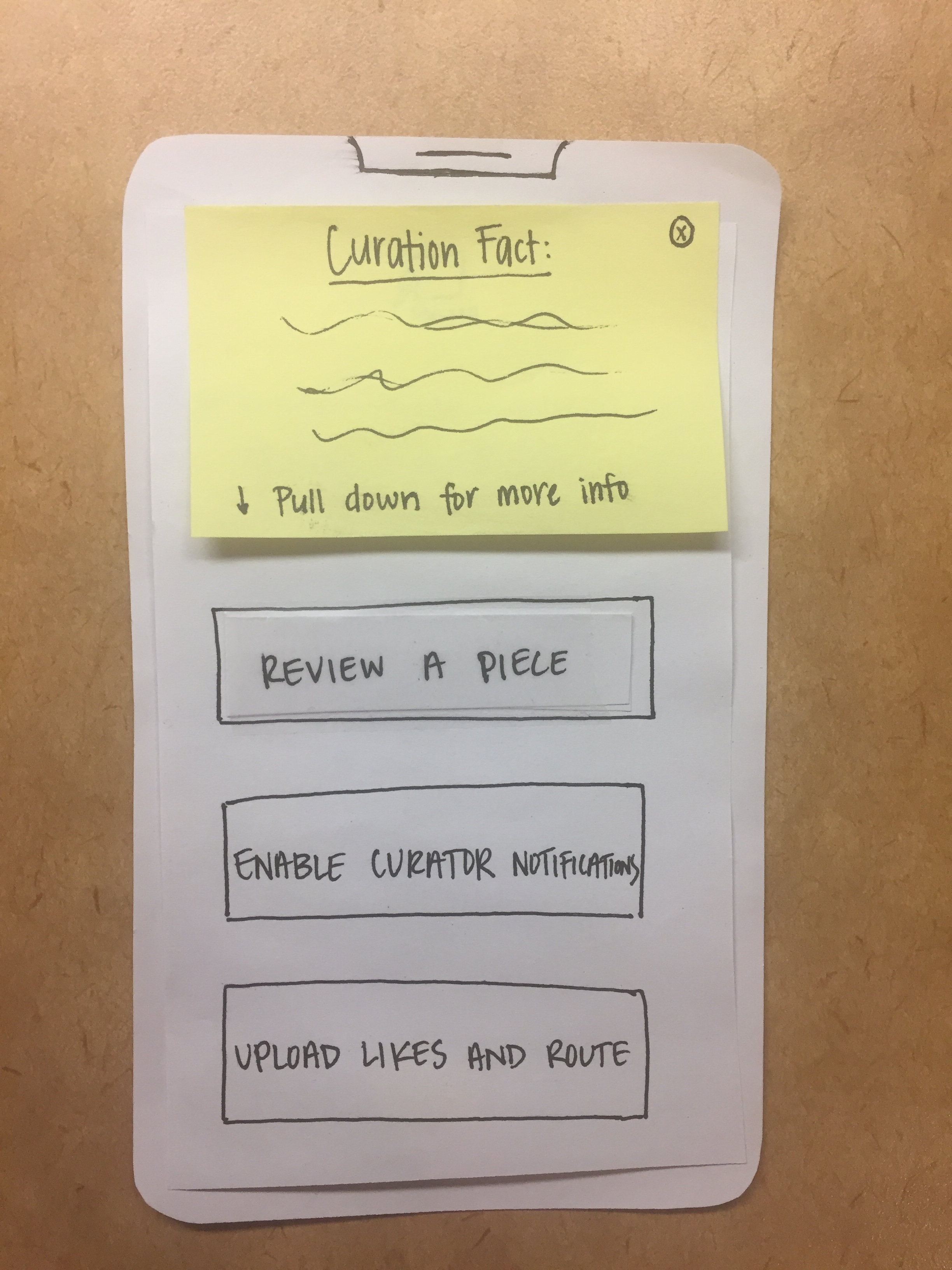
Task: Curator Notifications
Step: Share
Issues: Visibility, Labeling, Feedback
Severity: 4
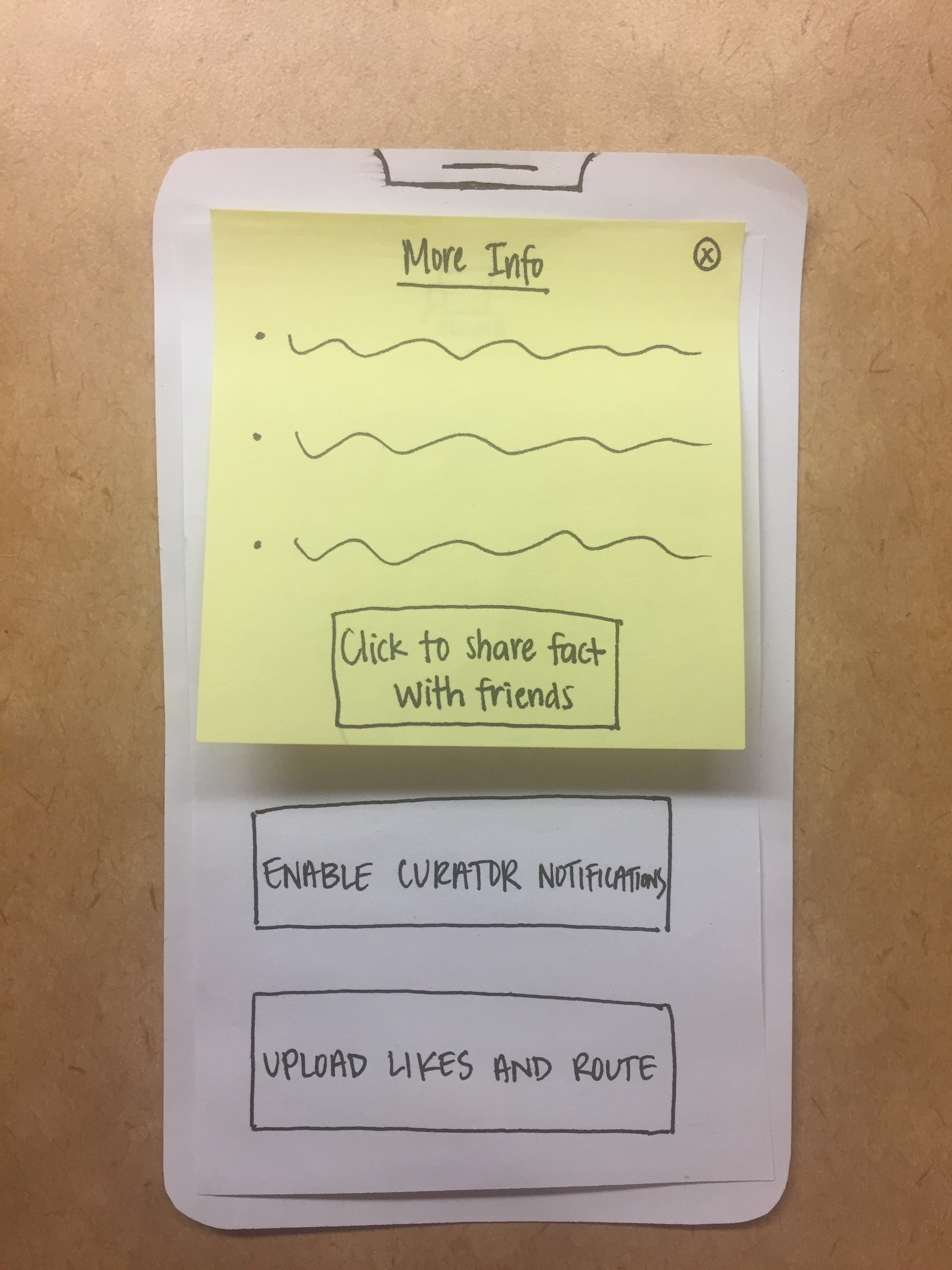
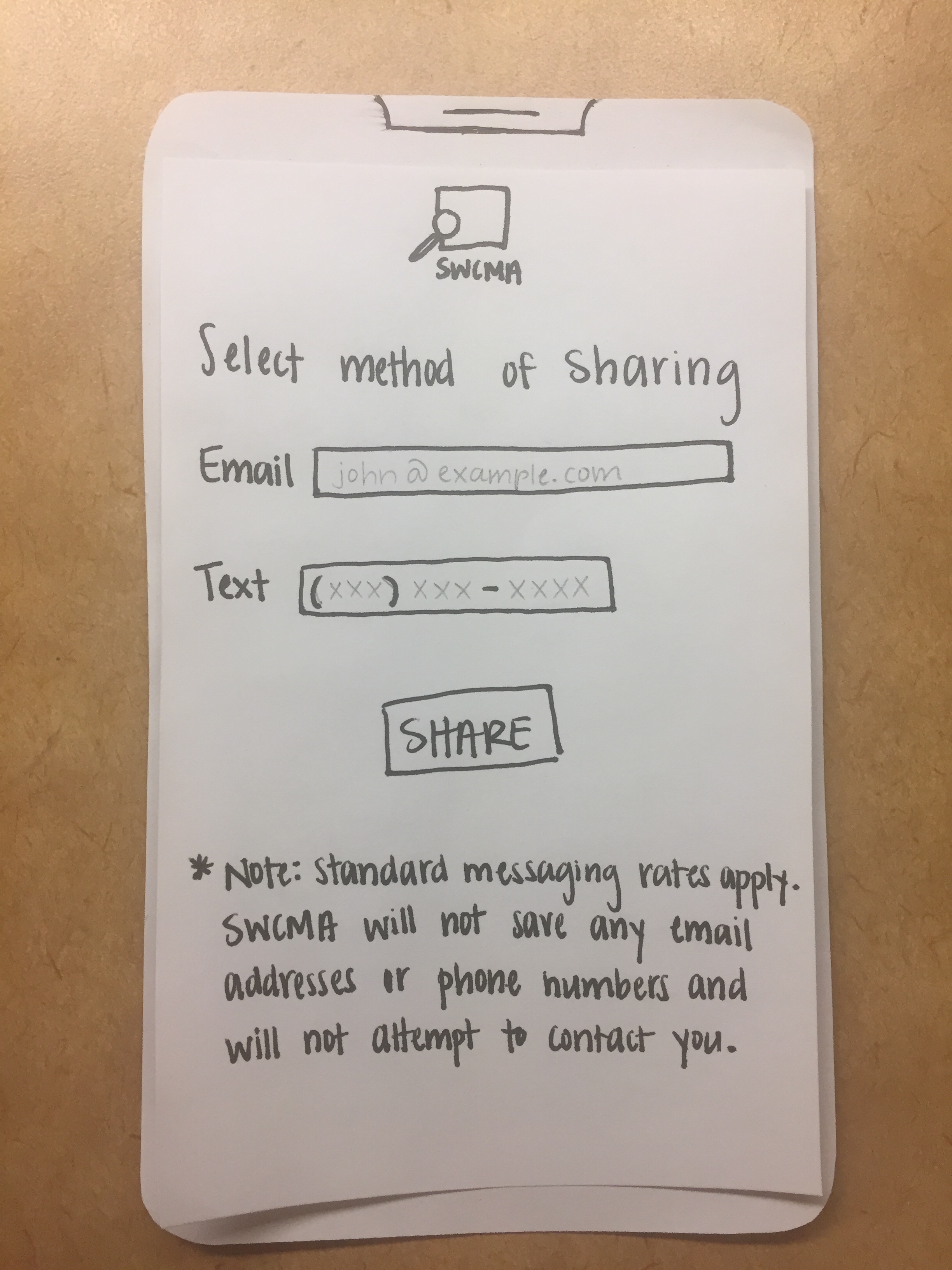
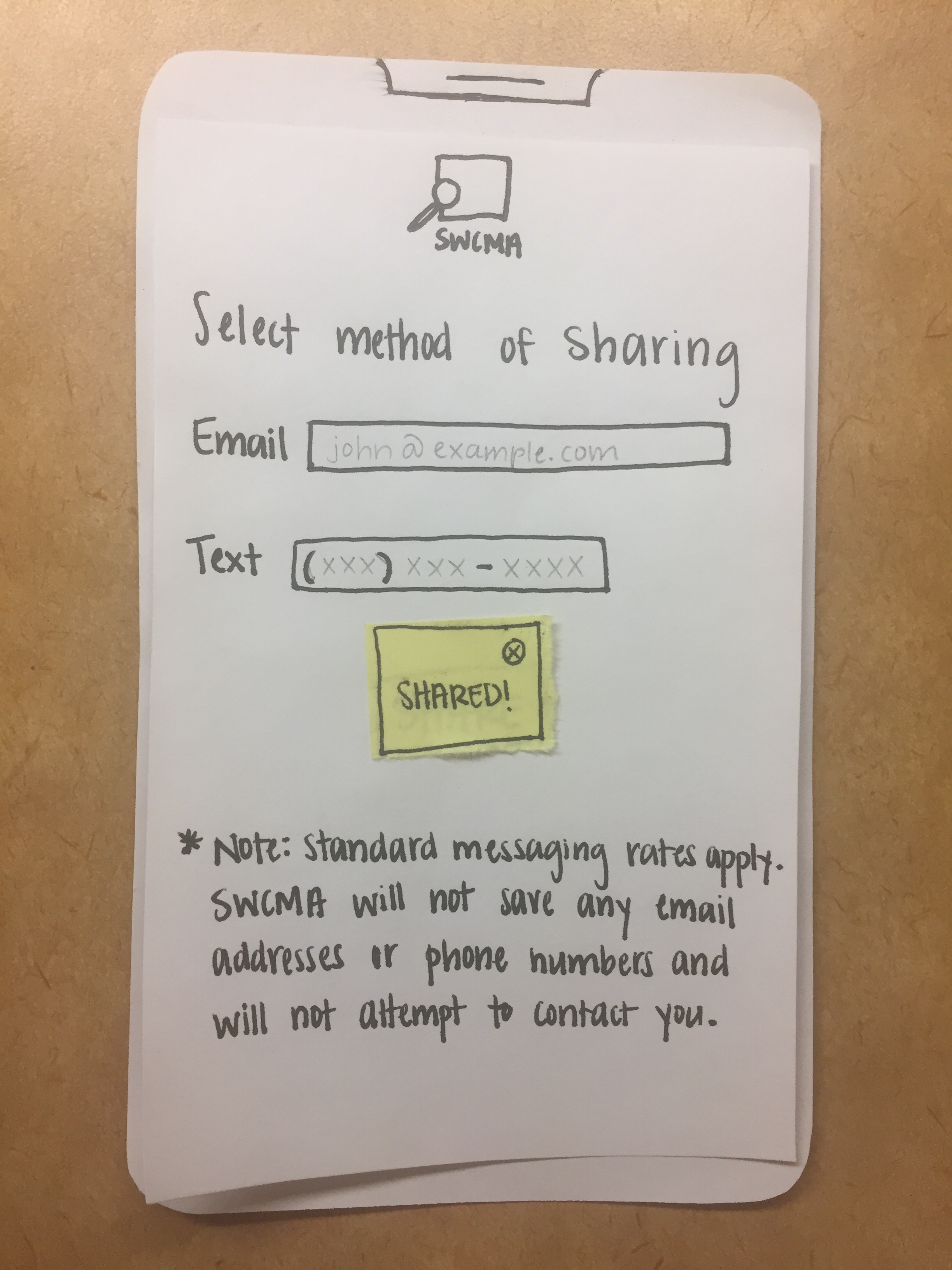
Details: At the bottom of the curator notification, there’s a button to share the notification; however, at this point it’s pretty unclear what it means to “share”, in terms of what you would share and with whom. Additionally, there is no screen in the paper prototype that walks you through the action of sharing (aka putting in the information of the user you want to share with and through which medium).
Revisions: The “share” button will have more information about what it means to share. A page will be created to do the actual sharing.
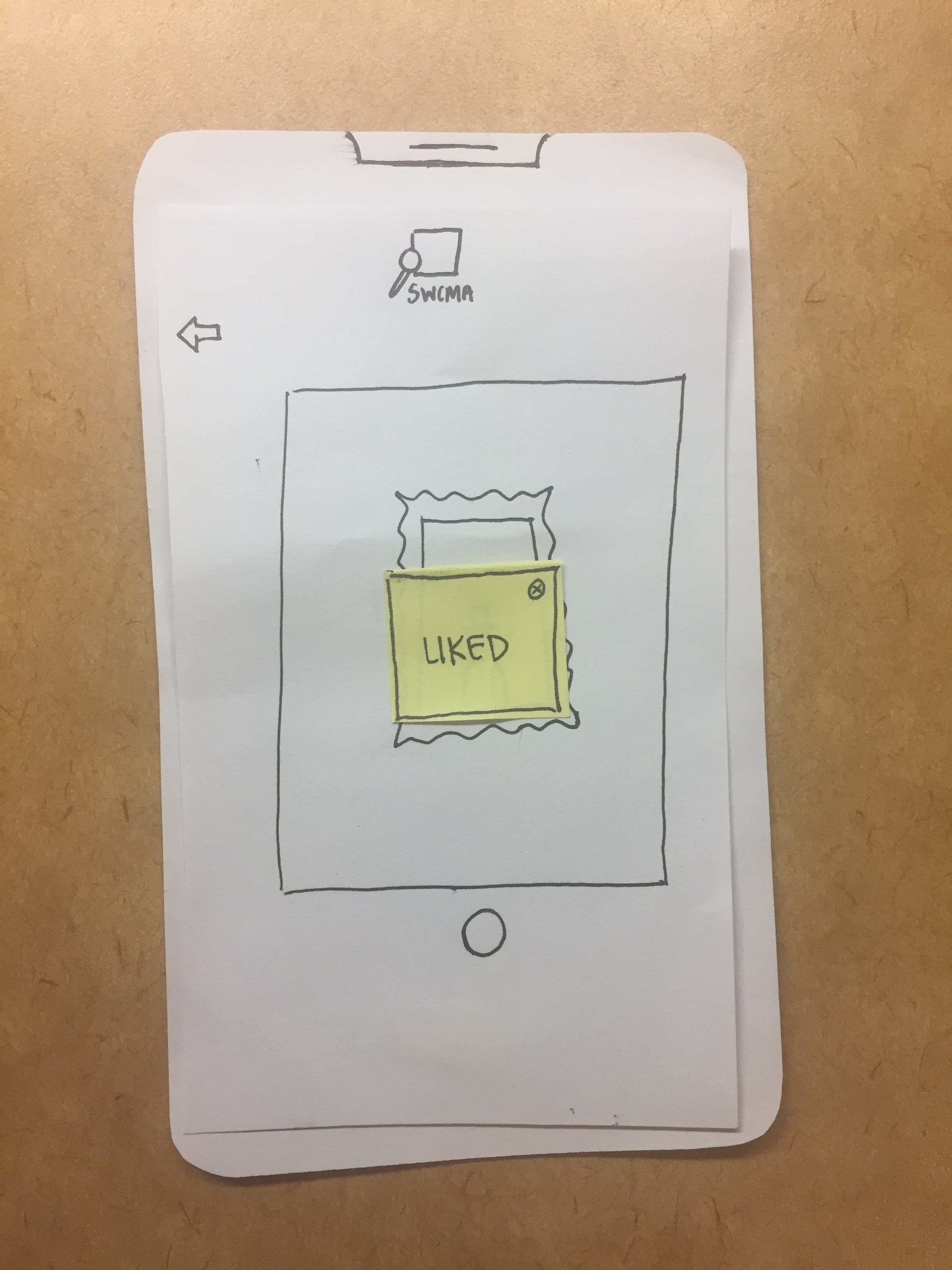
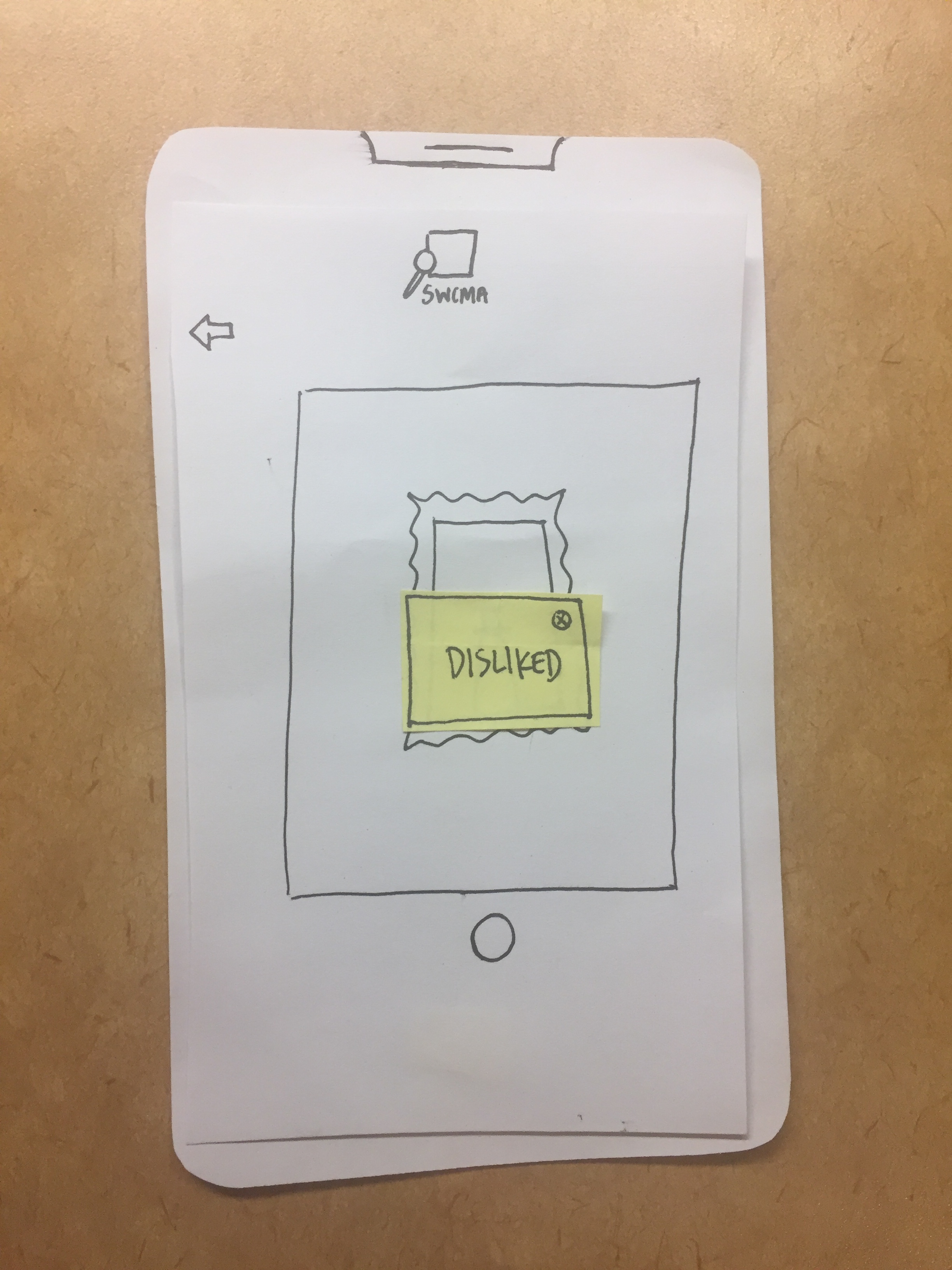
Task: Like/Dislike a Piece
Step: Like/Dislike
Issues: Concpetual model, Feedback
Severity: 1
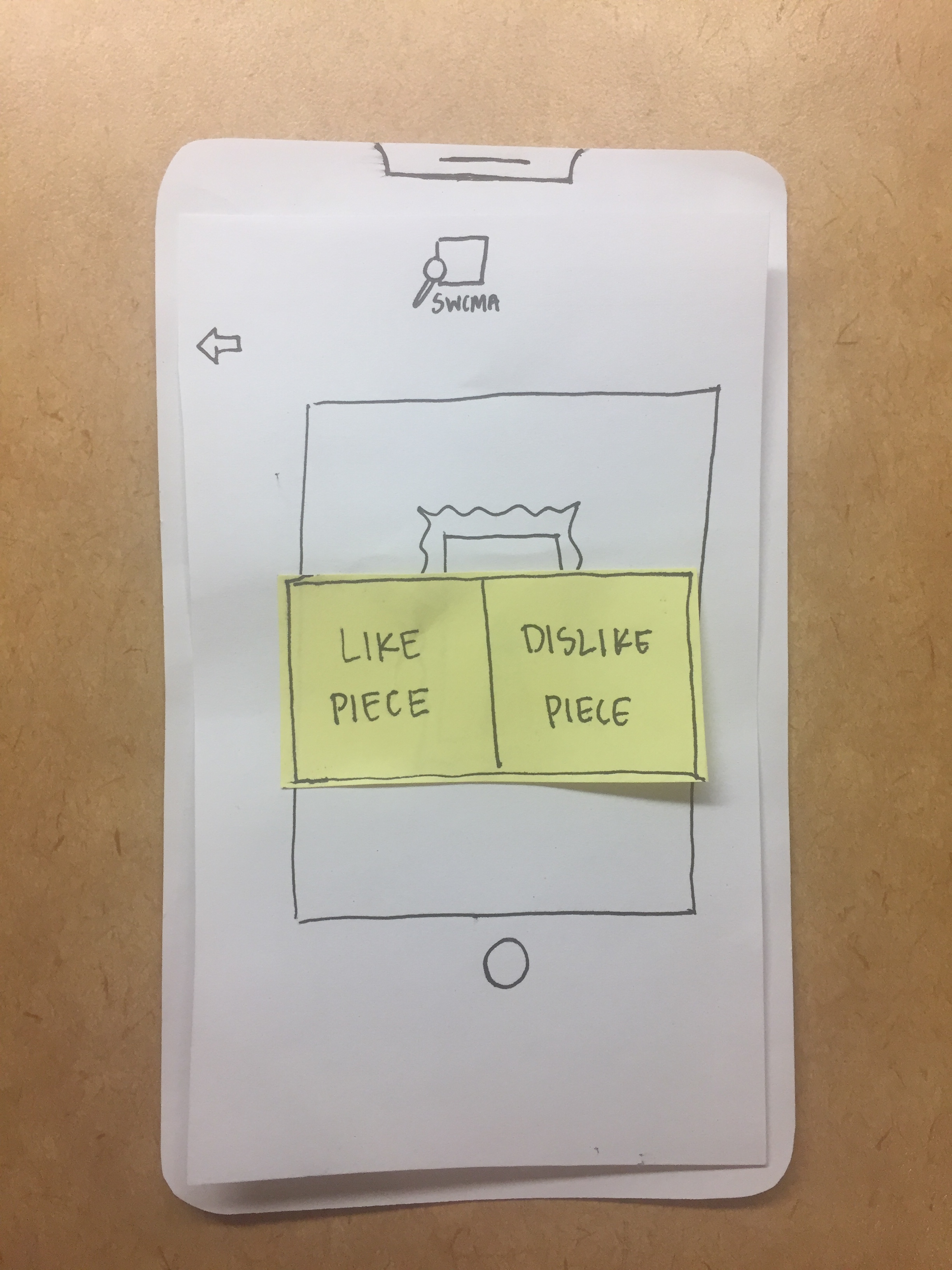
Details: The “Like/Dislike” button does not make it clear what you’re liking or disliking, and no feedback is given when the user’s inut has been received.
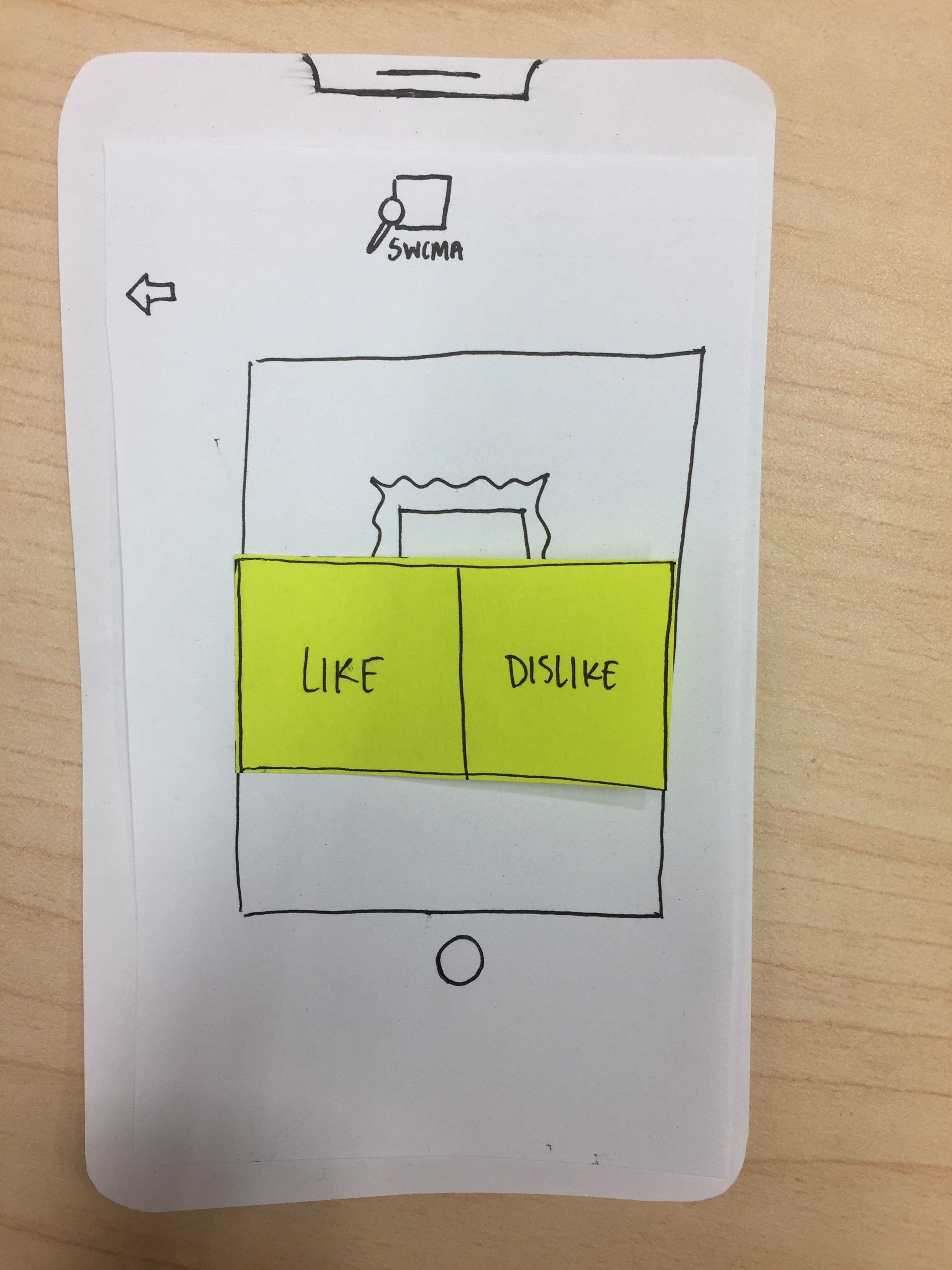
Revisions: The “Like/Dislike” button will be revised to have more information, and a pop-up window will provide feedback upon registering input.
Usability Test Overview
Our first usability test was performed on 11/5/18 with a Williams student who we will refer to as JJ. We chose JJ because they represent what will likely be a large portion of our users: Williams College students. Additionally, JJ is familiar with operating mobile apps and technology like ours, but is unfamiliar with the design process or technology production in general and is very unfamiliar with art and museums. This was important to us, because we felt it would provide more realistic feedback and create a more authentic user experience. The test was conducted in a quiet, distraction-free room in Science Quad so that we could ensure JJ would stay focussed on the task at hand and thus perform as realistically as possible. Additionally, we chose a quiet space to imitate the natural ambiance of a museum, like WCMA.
When JJ arrived, we told them that they would be simulating a visit to WCMA using the phone app SWCMA and a series of kiosks. We explained that we wanted them to think out loud and voice any and all points of confusion, and that we were not judging their ability to use the design, but rather the design’s usability. We instructed them to walk in a route around the museum (metaphorically of course), stopping to register pieces they particularly liked or didn’t like, and learning things about the curators’ perspectives on the exhibits. In describing the tasks, we attempted to use vague enough terminology that we weren’t explicitly guiding them down a specific path of action. However, we also needed to give some amount of detail due to the artificiality of being removed from the museum itself.
This level of detail carried over into the way we acted as the “computer”. Casey was the “Wizard” operating the screen changes and Sam was the observer. During the test, certain guidance had to be given such as informing JJ that the crudely drawn representation of a camera was in fact meant to simulate them taking a picture. Additionally, we had to give context for some of the actions such as “you have just arrived at a piece you like a lot” or “you have reached the end of your visit”. We believed this input did not tamper with the test, as it would be obvious if we were in the museum or had a functioning digital prototype.
Incident 1, Severity 4
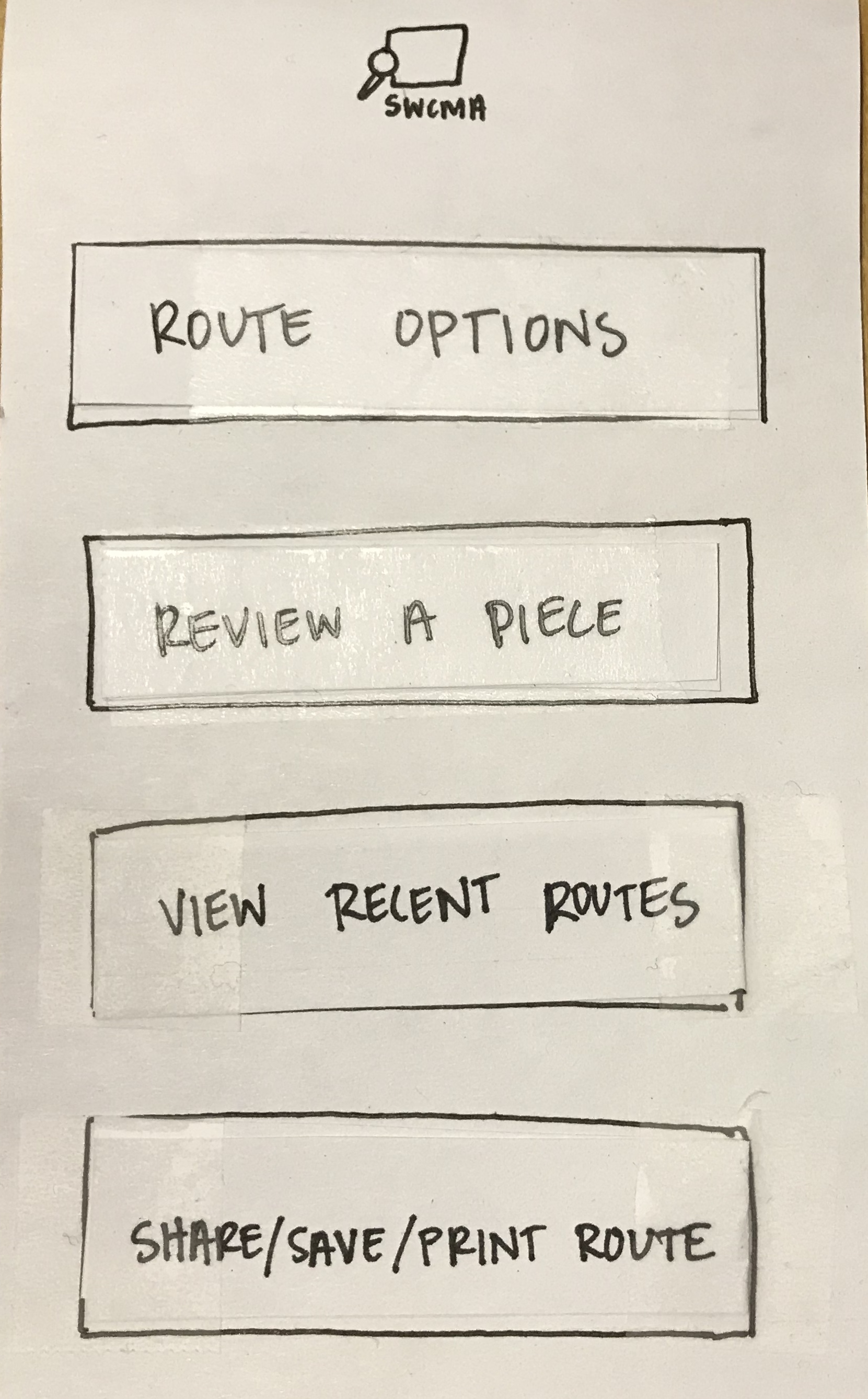
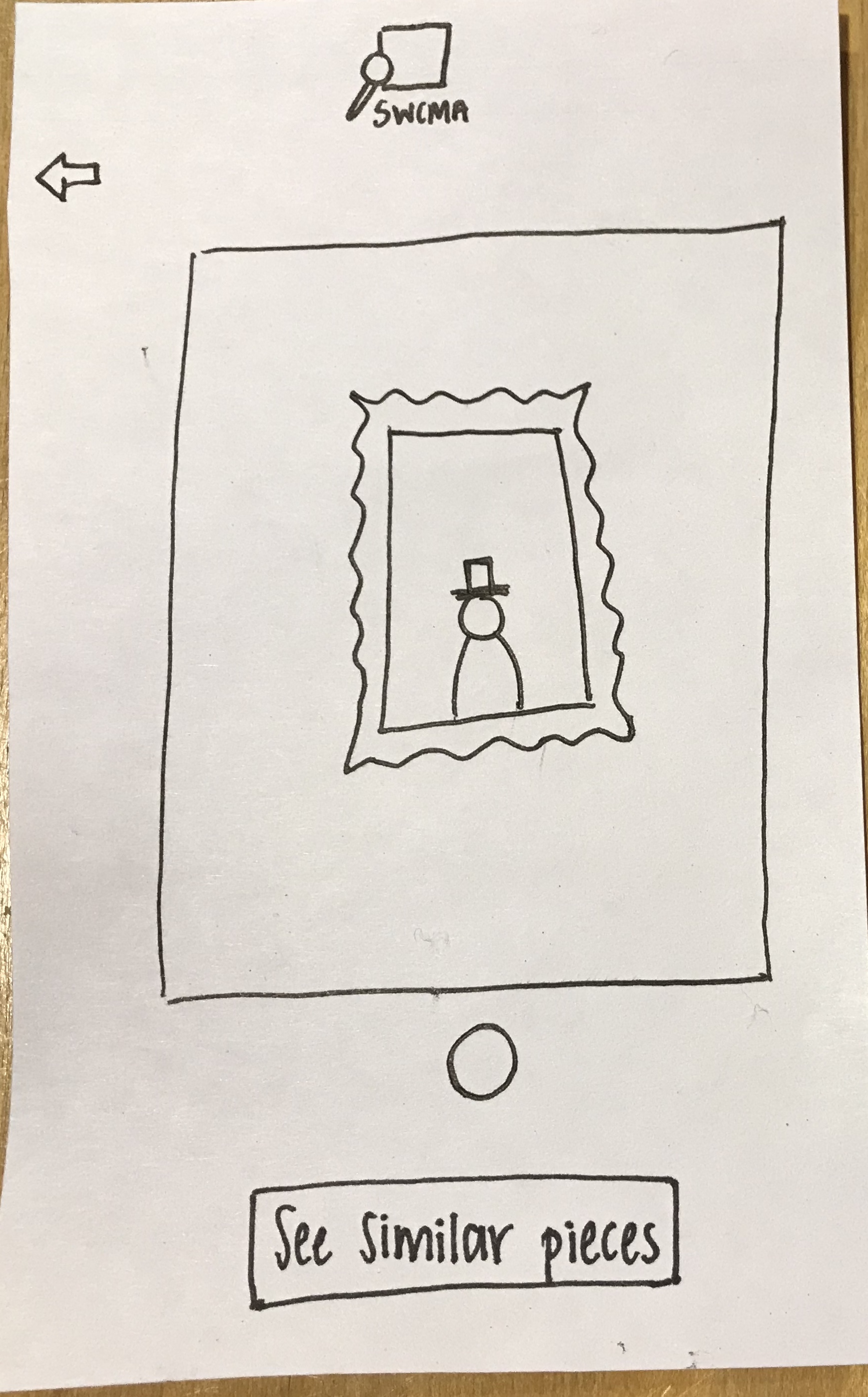
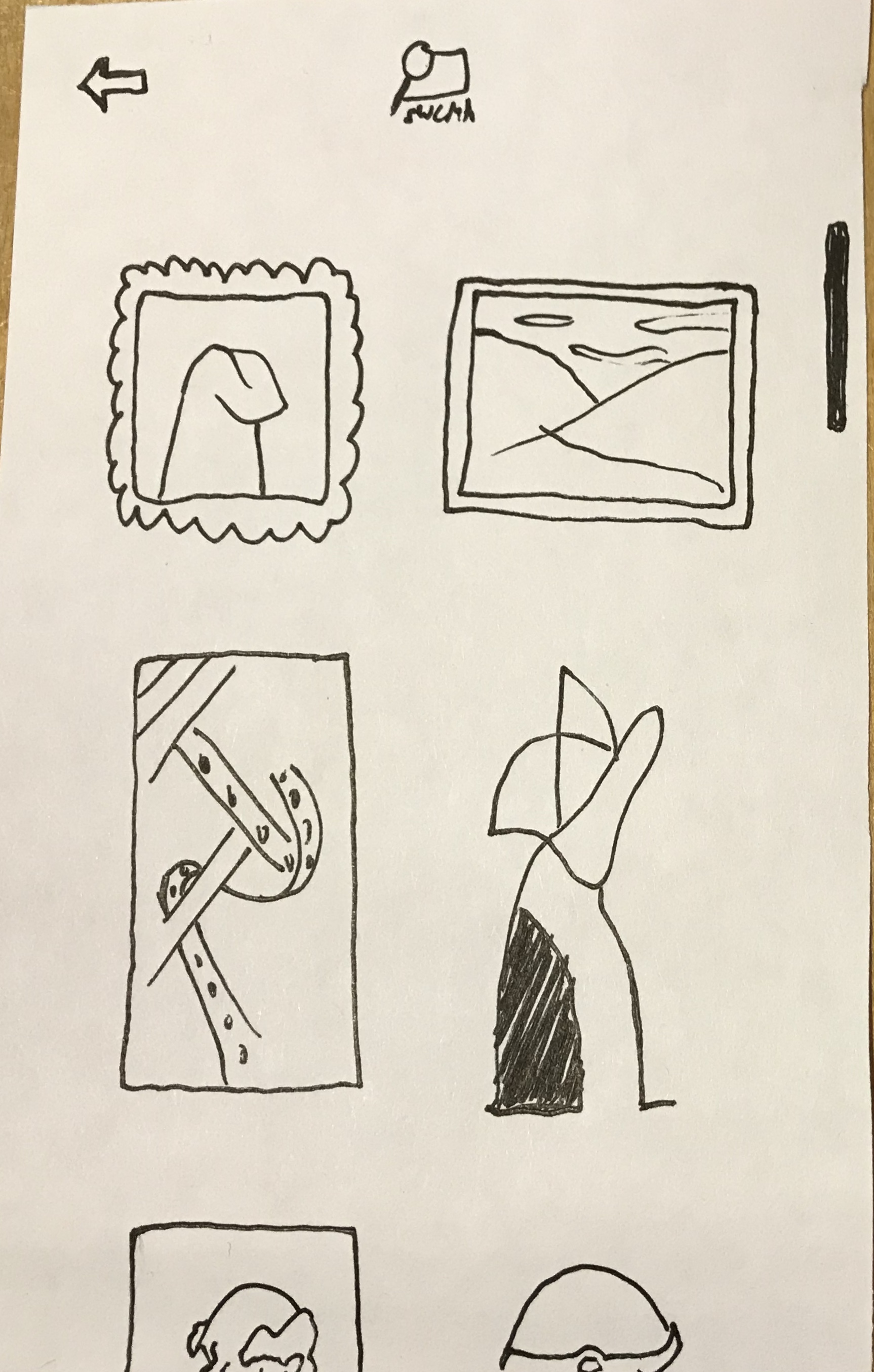
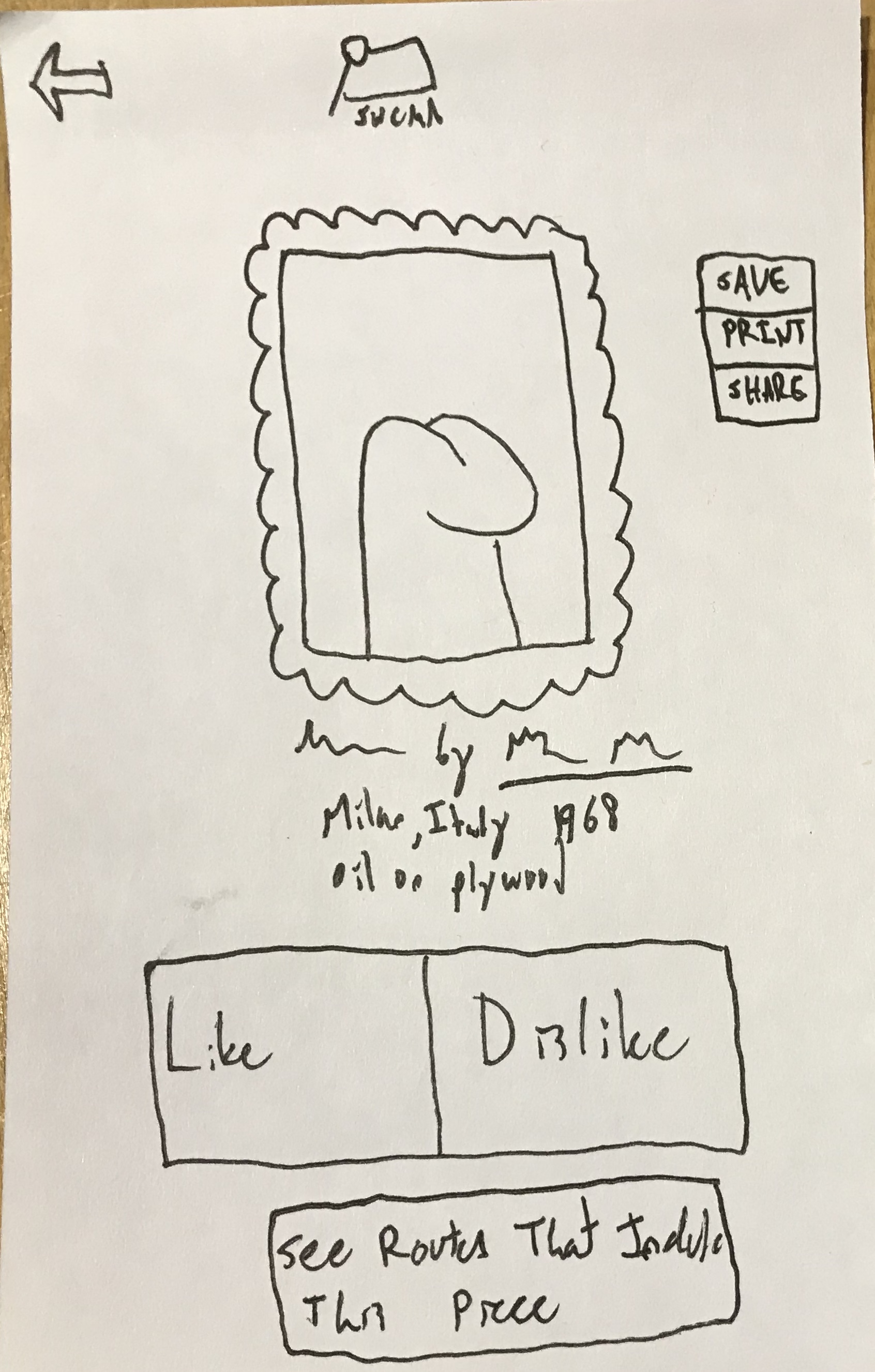
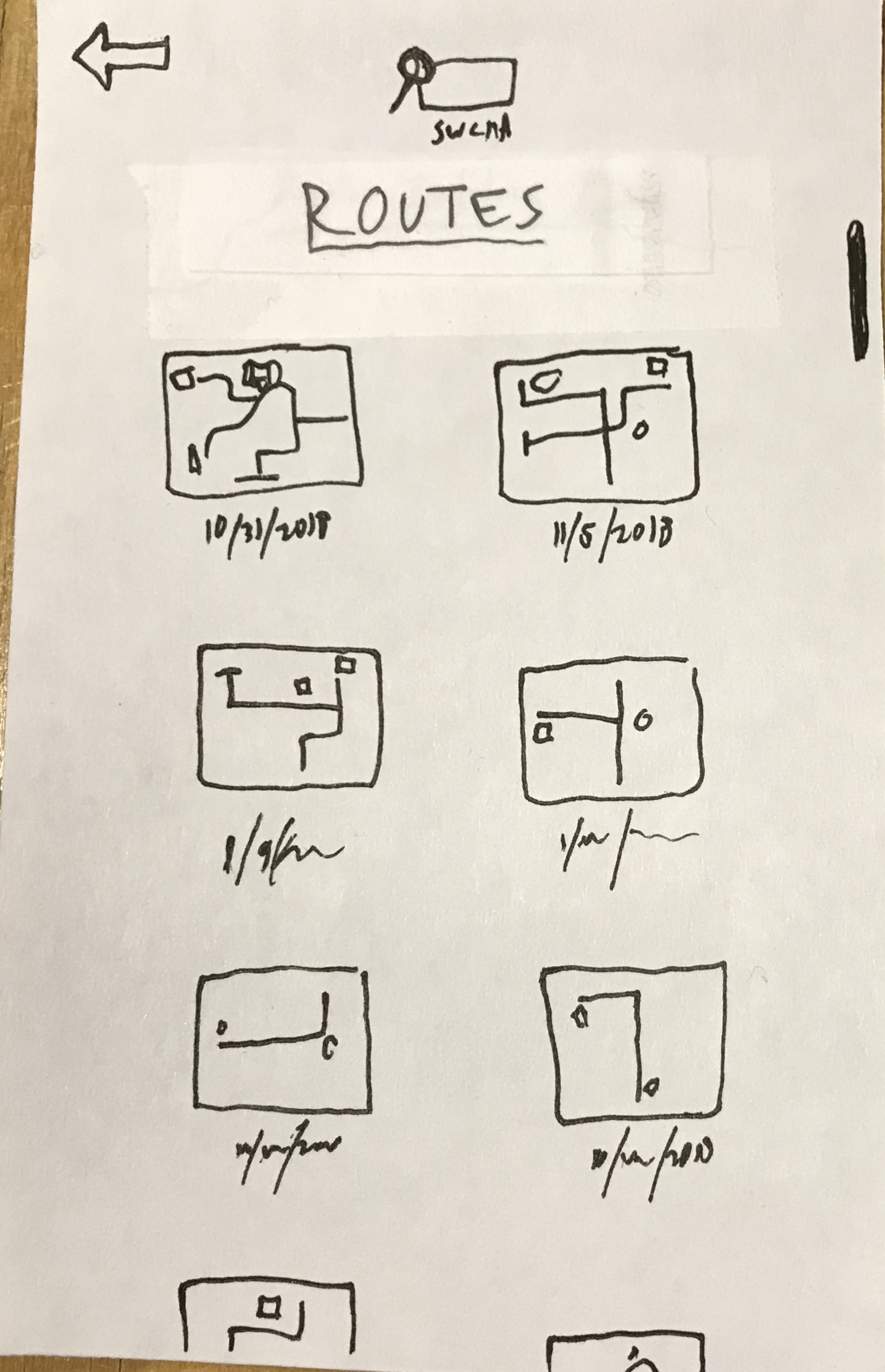
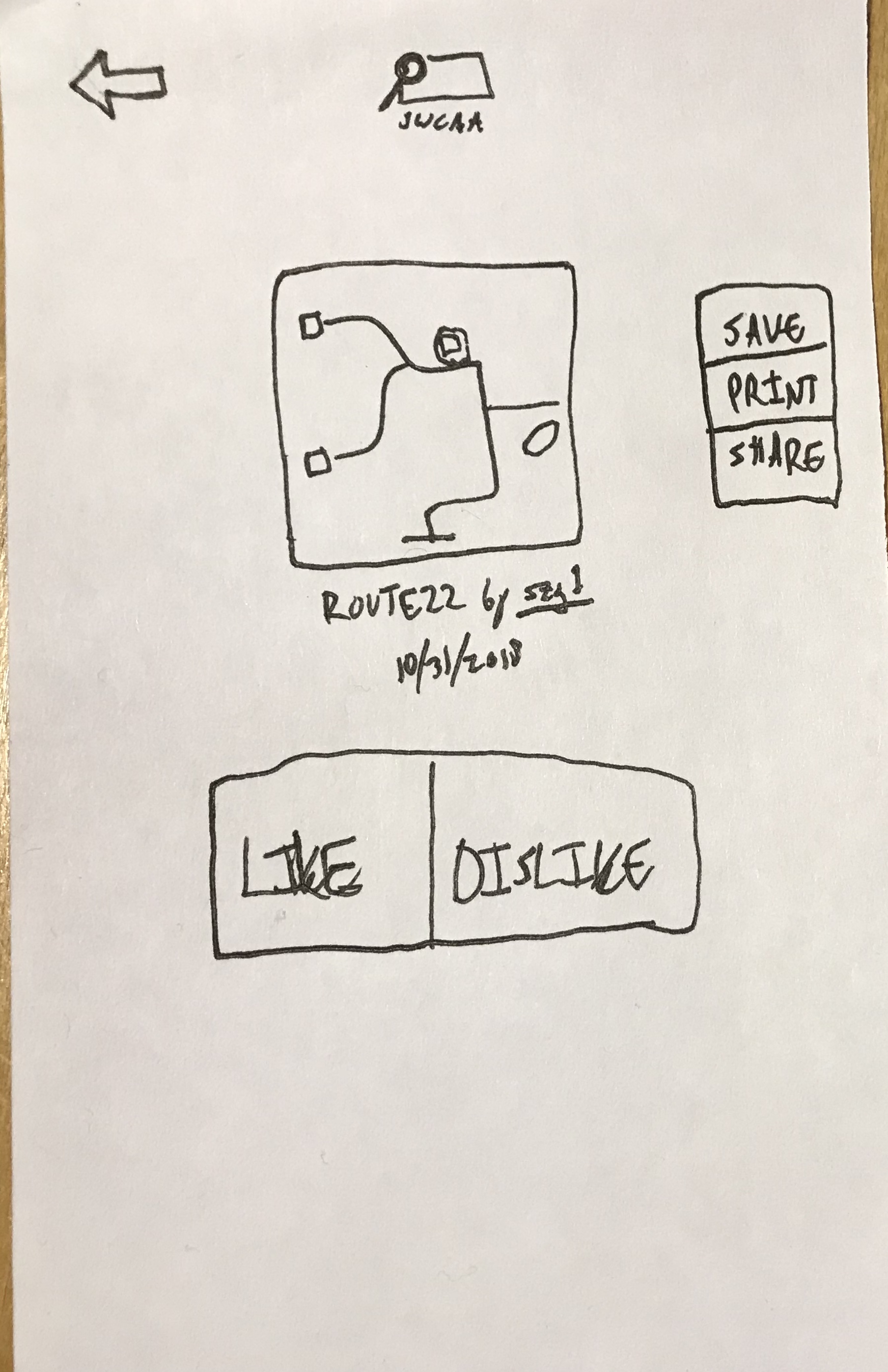
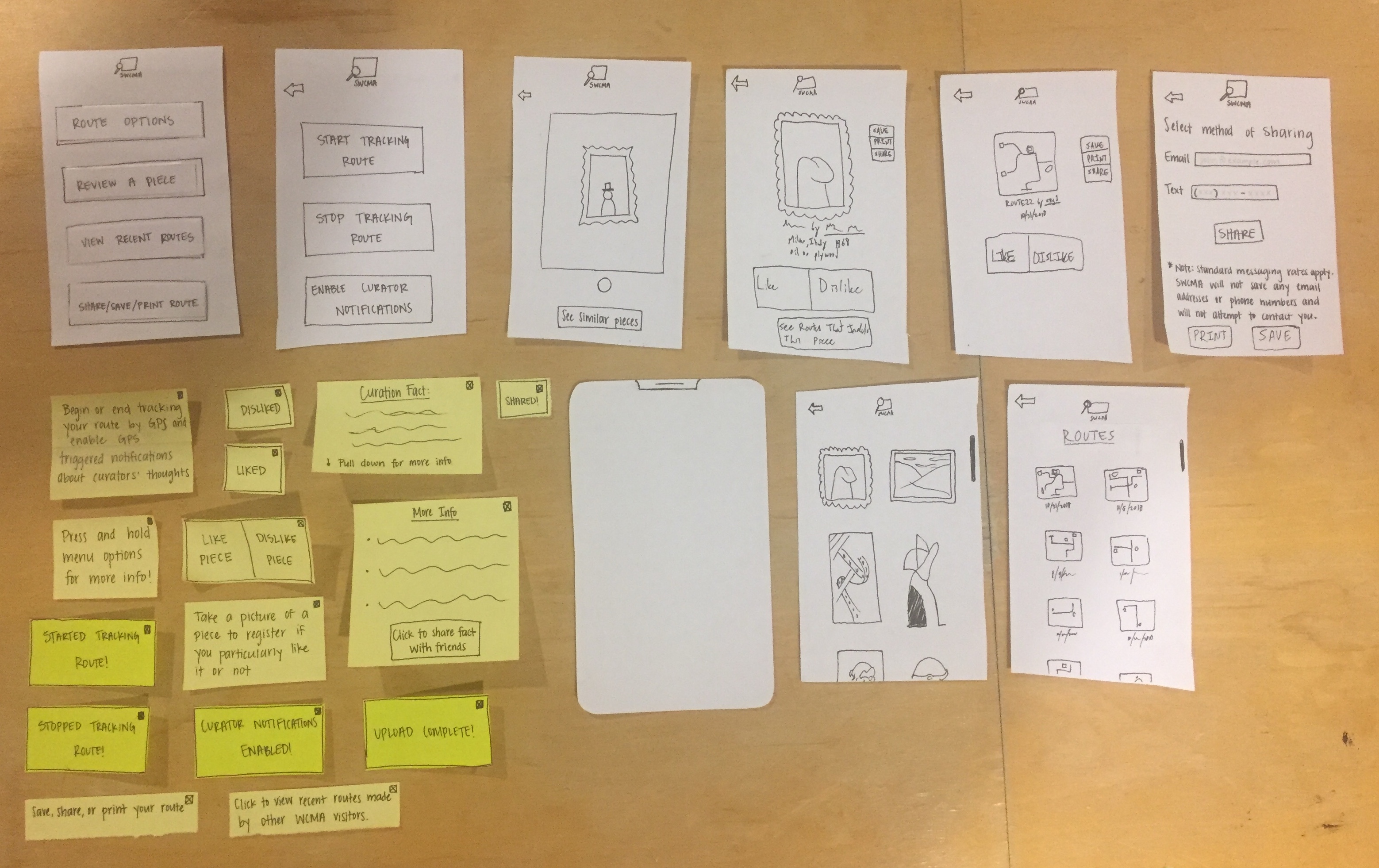
When the user was asked to use our design to review a piece and learn more about curatorial information regarding the museum exhibition, they were confused by the kiosks and did not know what they were for, how to use them, or how they could help them achieve this task. This is an issue that became apparent as early as our heuristic evaluations in class and one that we have discussed as a group numerous times – while we had initially hoped that the kiosks would help make the experience of using our design more unique while encouraging museum goers to get off their phones, it has become clear the kiosks are both confusing and redundant. As such, this issue has been resolved by eliminating the kiosks from our design and including their functionality (with some improvements) in the mobile app itself. Below are images of the new SWCMA app home screen, as well as the pages that allow users to access the information previously available on the kiosks.
Incident 2, Severity 1
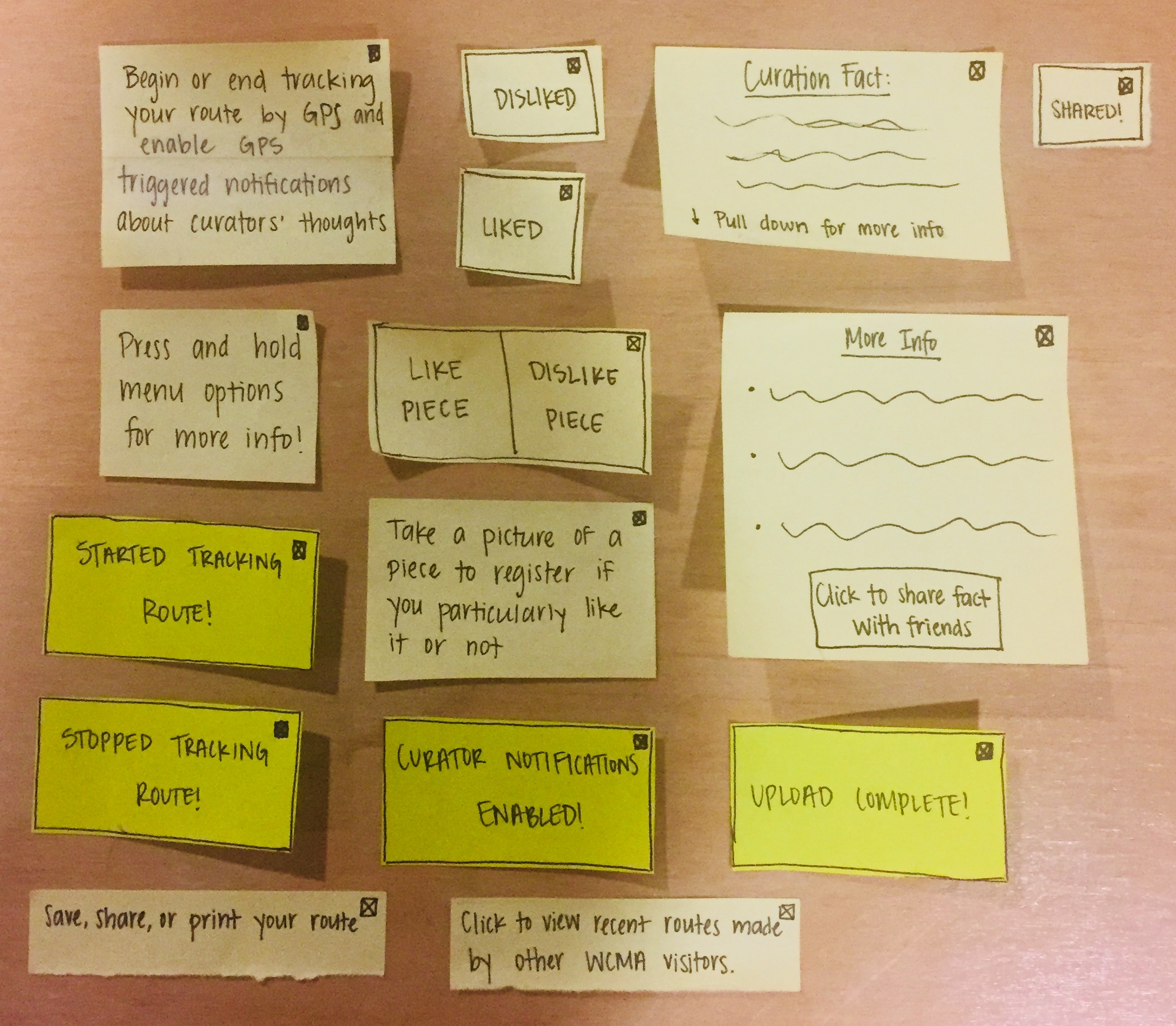
The mobile app platform in our design has a series of pop-up windows that offer feedback along the way. These windows have a small ‘x’ in a circle in the corner that is meant to serve as a means of closing out of the pop-up; however, JJ was at times confused about what they were, and as a result, how to exit the pop-up. As a resolution, we changed the ‘x’s so they are instead in boxes, which we though might be more recognizable as an indication of exiting. We will try this design in our next usability test, and if it still proves to be problematic, we may consider changing the color or size to make it even more recognizable.
Incident 3, Severity 3
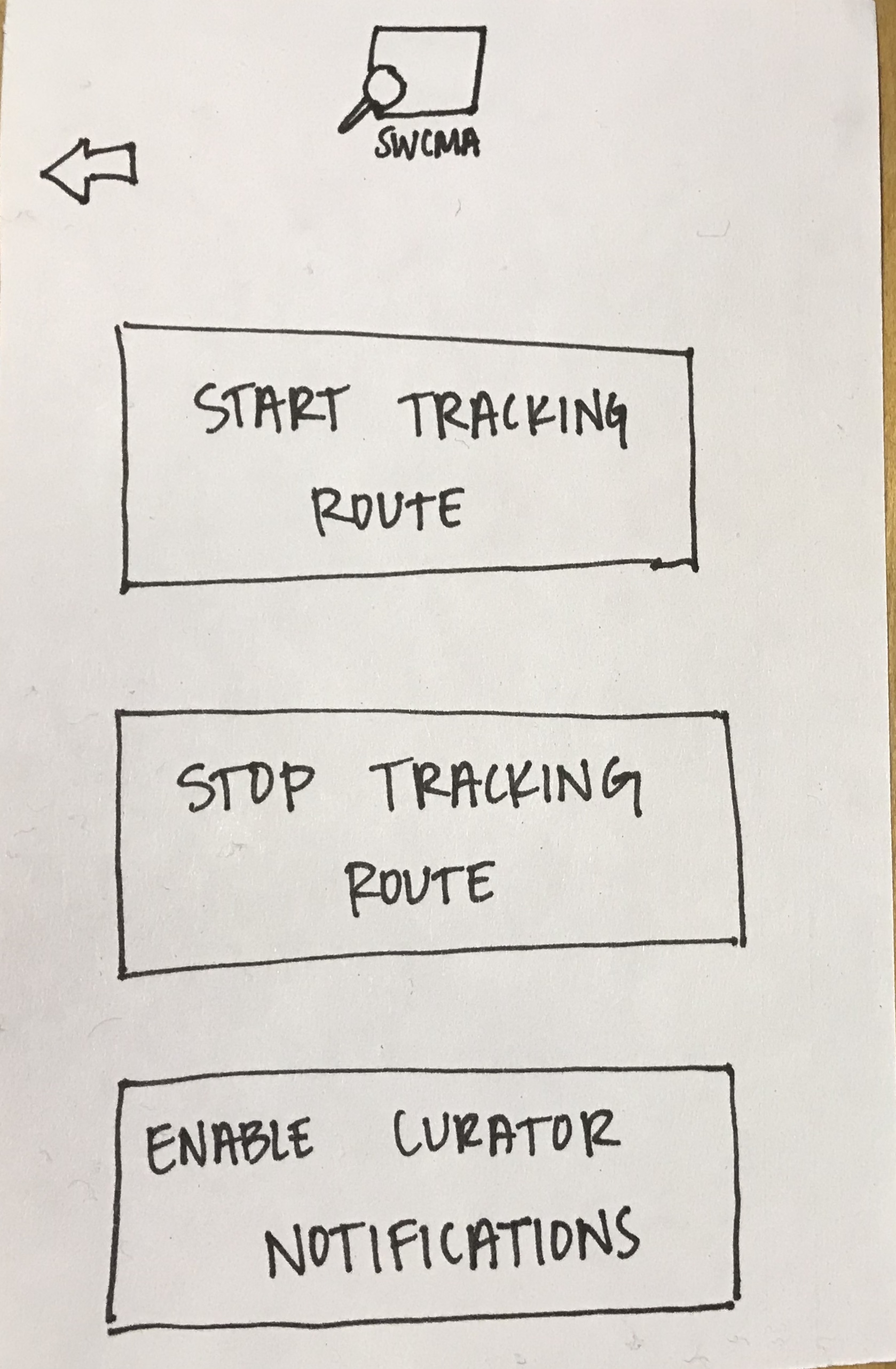
Our initial paper prototype for our mobile app included an “Enable Curator Notifications” button on the front page. JJ expressed confusion at what this button was for when they pressed it – something they did not do until they were already somewhat far along her route through the museum (which means that they would have missed earlier notifications). Because we want this function to be turned on when the user begins their route and because we want it to be clear that this is a button that toggles the app’s state of periodically showing notifications on or off (i.e. this is not a button that leads to a new page), we have decided to embed the button within the “Route Options” page. In subsequent tests, we will explain to users what turning on these notifications does in the context of specific tasks we want them to perform, but will not say where the button is located or when to turn it on.
New Paper Prototype Pieces
Future Plans
In subsequent usability testing, we want our subjects to represent more specific groups in our core user base. Specifically, since we have already worked with a user who is both a college student and unfamiliar with art, we want to work with one user who is not a college student and one user who has expressed an interest in or curiosity about art and museums. By doing this, we will have performed tests with users who open the app with different ideas about what they will use it for and will have tested our product’s usability by users of a wider variety of age groups.
Because we had fewer incidents with our main incident being an essential overhaul of our design (removing the kiosks and integrating their functionality into the mobile app), we will be refining our usability testing protocol in future tests. Our primary goal as we continue usability testing will be to crystallize specific issues that users have with understanding and using our design when they independently navigate the app to accomplish tasks related to their personal desires and curiosity about art and museums. We will accomplish this task by providing less guidance about using the app itself and providing more background in terms of the design’s functionality and the types of tasks that a user may use it to accomplish.